Adding a link to your Hipcamp land page to your website helps campers find and book your site more easily. You don’t need any technical experience—these steps work for any website platform (Squarespace, WordPress, Wix, and more).
What you’ll need
- Your Hipcamp land page link (for example: https://www.hipcamp.com/en-US/land/california-ascension-ranch-dw9h6d6w)
- Access to edit your own website
Step 1: Find your Hipcamp land page link
From the main page of your Host Dashboard: https://www.hipcamp.com/dashboard
- Navigate to the Host Dashboard
- Scroll down until you see “Your property name Links”
- Click ‘Copy Property URL’
Step 2: Choose where the link will go
Decide where on your website you want the link to appear. Common places include your homepage, an About or Visit page, or near photos or text about staying on your land.
Step 3: Type and highlight the link text
Click into the text area on your website and type something simple like:
- Book camping on Hipcamp
- Stay with us on Hipcamp
- Reserve your campsite
Use your mouse to highlight the text you want people to click.
Step 4: Add the link
With the text highlighted, look for a link icon (it often looks like a small chain) or an option that says “Link.” Click it, then paste your Hipcamp land page link into the box.
Step 5: Save your changes
Click Apply, Save, or Done—then publish or update your website.
Step 6: Test the link
Click the new link on your website to make sure it opens your Hipcamp page.
You’re all set! Visitors can now go straight from your website to your Hipcamp listing.
Step 7: Let us know
Once you've got your link on your website, fill out this form to let us know where to find it!
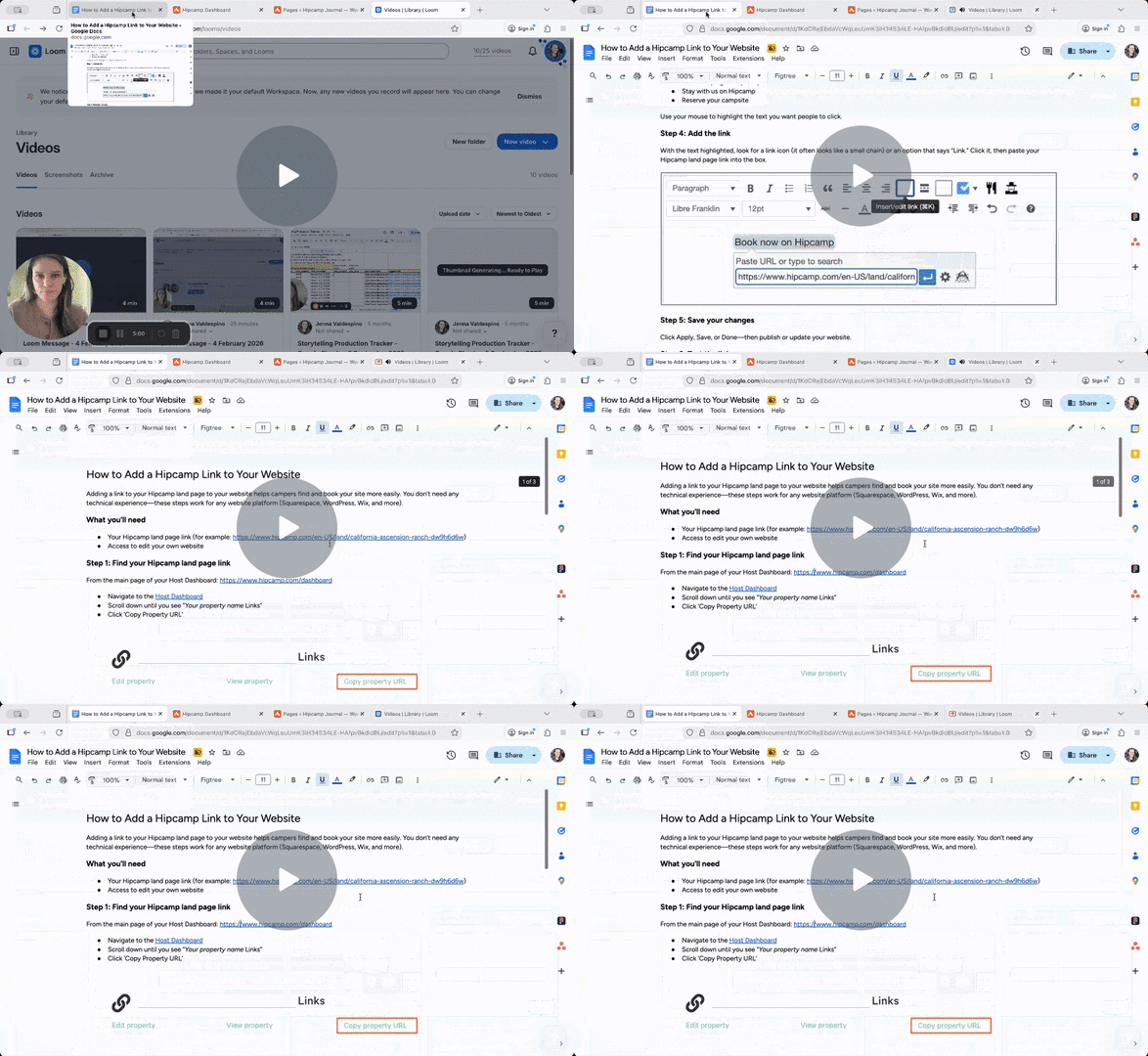
You can follow along with a video tutorial below:
How to Add a Hipcamp Link to Your Website - Watch Video