First of all, awesome! We're stoked that you're exploring how to better market your property to Hipcampers. Now for some tips on how to do that.
There is a "Resources" link in the dropdown menu which you can find by hovering on ‘Host Dashboard’
We'll be adding more features and tips along the way, but for starters, booking buttons are a great way to direct potential Hipcampers from your website to your Hipcamp property so they can book with ease.
We currently offer two different buttons:
- The ‘Book on Hipcamp’ button
- The ‘Highly rated on Hipcamp’ button
Both buttons will link to your public Property page on Hipcamp.
Copy and paste the HTML code in the gray box into your website's code wherever you’d like the booking button to appear!
As soon as you add it, Hipcampers will have easy access to reserving stays with you, and the bookings can start rolling in. Clicking the button from your website goes straight to your specific property page on Hipcamp.
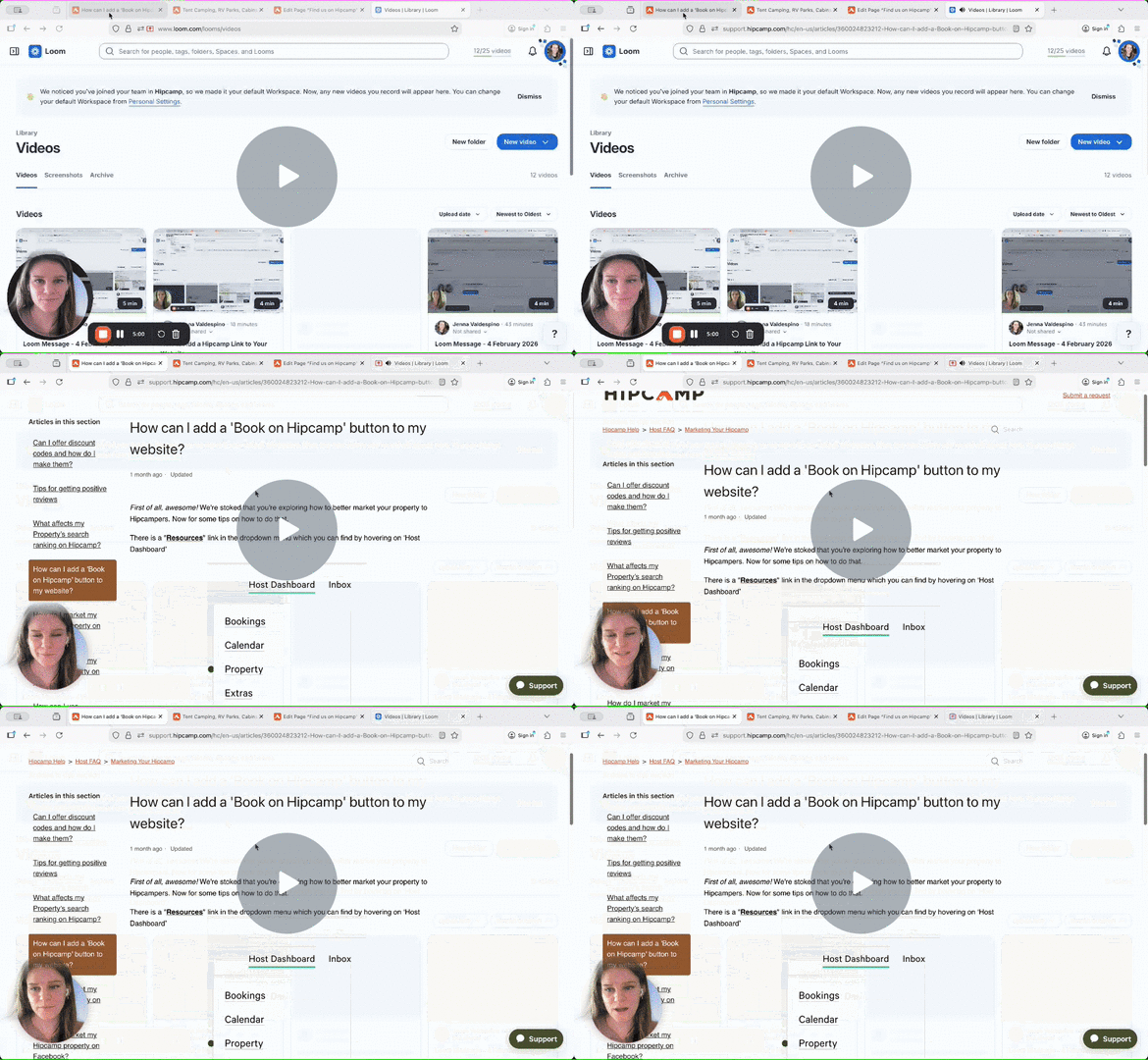
Follow along with video instructions below:
How to Add a 'Book on Hipcamp' Button to Your Website - Watch Video
Once you've got your link on your website, fill out this form to let us know where to find it!